
Prentiss County VINELink Coverage
The Office of Mississippi SAVIN runs a confidential automated service. It tracks offenders in participating county jails and people held by the Mississippi Department of Corrections. The sheriff's jail page sends users there for county and MDOC custody information. So even without a live roster, VINE gives Prentiss County its working alert channel.
Coverage depends on the electronic files. Participating systems supply them. Not every arrest becomes a public result. You also will not find the full incident report or a final court outcome here. People move between county custody and MDOC custody. Treat any result as a point-in-time status that can shift.
Check a Prentiss Arrest on VINELink
Gather enough detail to separate the right person from same-name matches. A bare full name can return the wrong hit or nothing at all, since spelling and upload timing vary.
- Open the official VINELink search.
- Select Mississippi and the county or state offender path shown by the current interface.
- Enter the person's name. Use an offender identifier when one is known.
- Compare the record's available identifiers, facility, and context. Do not rely on a photo or similar name alone.
- Read the displayed custody state and note when it was last updated, if the interface provides that detail.
- Call the jail when the result conflicts with reliable recent information or when immediate confirmation is needed.
The Prentiss County arrest-record source map routes requests for the underlying report, booking photo, and court record. VINELink replaces none of those. Begin a name or identifier lookup at the official VINELink search screen.
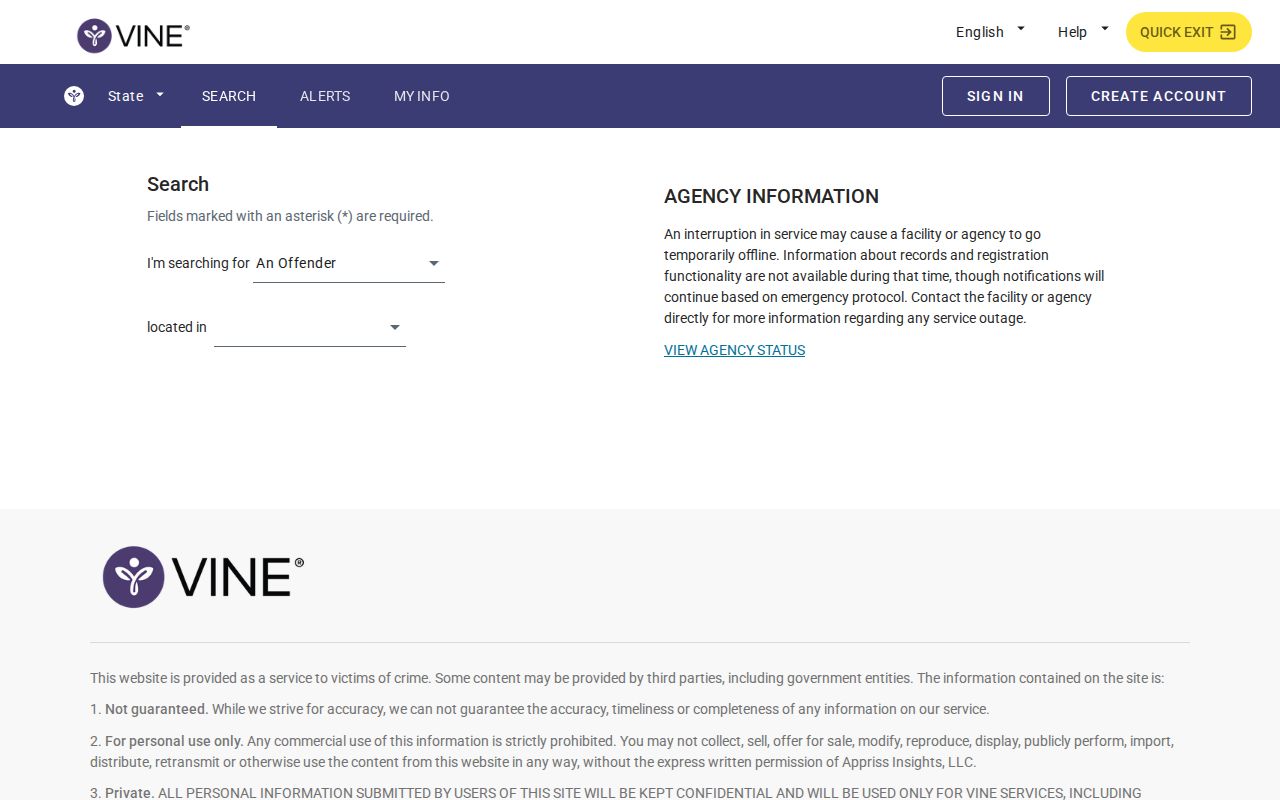
The official VINELink search screen shows the entry point for a query, not a list of Prentiss County arrestees.
VINELink Arrest Status Fields
Fields shift with the agency and the current interface. Read each one as custody information rather than a full criminal-history record.
| Possible detail | What it means |
|---|---|
| Name | The name in the contributing custody file. Compare other identifiers before deciding it is the correct person. |
| Offender identifier | A stronger match than name alone when the number belongs to the relevant system. |
| Custody status | A current system state such as held, released, transferred, or returned to custody. |
| Facility | The participating jail or state placement tied to the record at that point. |
| Notification eligibility | The interface may allow registration for changes linked to that record. |
| Event update | Alerts can concern release, transfer, return to custody, escape, or absconding from supervision where covered. |
VINELink was never built to settle legal questions. It may leave out the booked charge, bond history, arrest narrative, image source, or court disposition. The jail, the arresting agency, and the court hold those.
Register for Mississippi Custody Alerts
Anyone may register anonymously under Mississippi rules: victims, survivors, the public, service providers, legal systems, and law enforcement. Sign up through VINELink or with state assistance.
- Open the matching person record and choose the notification option offered by the current interface.
- Select a phone, text, or email contact method where available. Enter only a route you control.
- Create and retain the personal identification number requested for phone alerts. It helps the system confirm that a call was received.
- Review the event types and complete the confirmation shown by VINELink.
- Keep registration details private and update the contact route if it changes.
The Office of Mississippi SAVIN answers business-hours calls at 601-359-5759. Around-the-clock help runs at 1-888-9-MSSAVIN, written 1-888-967-7284, in English and Spanish. The current MDOC page lists TTY at 866-847-1298. The county jail page shows a different toll-free format, 1-888-847-1298. The MDOC number is the stronger registration reference.
Confirm Prentiss Custody Results
A blank result does not prove no arrest happened. Spelling slips, same-name risk, delayed uploads, protected information, release, transfer, and coverage limits can all skew a search. Check the Prentiss County 24 Hour Arrests fallback and call the jail when the event is new.
Federal prison custody sits outside VINE, so use the Bureau of Prisons locator. Immigration detention relies on separate ICE and DHS tools. For sentenced state custody, MDOC's inmate search fits better. Justice, Circuit, or Municipal Court supplies the case outcome.
Prentiss Release and Transfer Alerts
Notification events fire when the person's electronic file changes. Mississippi counts transfers, release, and return to custody among the covered types. Escape and absconding from supervision are covered too. Several notices may follow as the record updates. Someone may move from county custody into MDOC state felony custody. Registration can even carry over in that move.
An alert only says the custody record changed. It does not give the full legal reason or guarantee outside pages updated too. Call the facility for operational confirmation and the court for disposition.
Mississippi SAVIN Notification Help
The MDOC SAVIN notifications page is the state's official source for help numbers, event descriptions, and registration guidance.
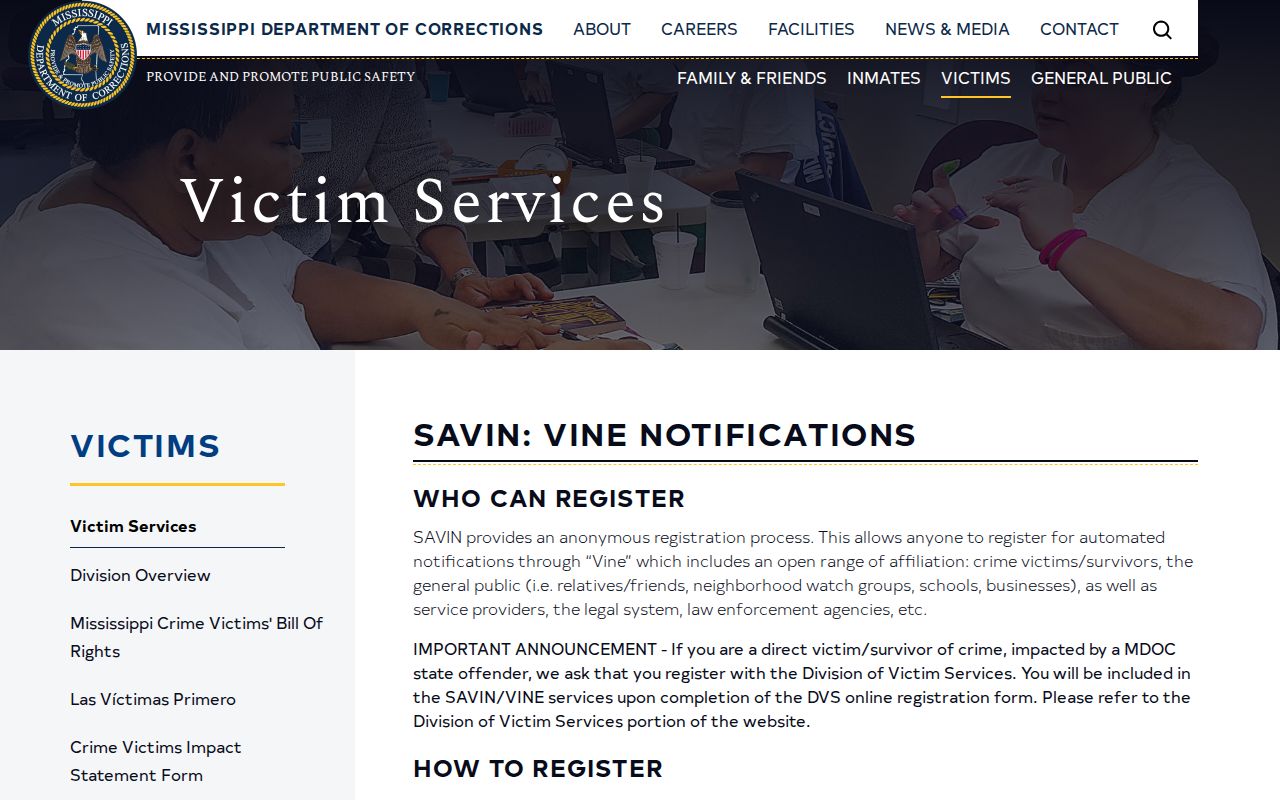
The MDOC SAVIN notifications page documents the statewide channel serving Prentiss County users. It is no booking-photo gallery.
The Prentiss sheriff site also points to Nixle, Facebook, and X for community updates. Those channels are not VINE substitutes. Nixle may carry road closures, missing-person notices, checkpoints, and events. No official source calls it a full custody feed.
Match the Correct Custody Record
Getting the right person matters more than speed. Common names and spelling drift lead searchers to the wrong custody record all the time. Check the middle name, the offender ID, the age, and the holding facility before trusting any match. A booking photo alone settles nothing. When details stay fuzzy, call the jail and ask which identifier would lock the record down.
An empty result has many causes. The intake may not have hit the electronic file yet. Release, transfer, a different spelling, or a move outside the searched system can each hide a person who is in fact in custody. Some data is simply protected. VINE reports custody status only. The arresting agency remains the place to ask about the arrest event itself.
Prentiss County complicates the picture by holding state inmates alongside county inmates, as its joint work-center description makes clear. Presence at the facility and a fresh local booking are not the same fact. Verify who holds the person and when intake occurred. Sentenced state custody points to the MDOC offender search. Federal custody, by contrast, calls for the Bureau of Prisons locator. ICE runs through its own federal route.
What to Do After an Alert
Start by reading the event and the timestamp exactly as written. A transfer alert may simply mean a new facility took over, not that custody ended. A release notice reports a change in the custody file only. Release terms, court orders, and supervision are left unsaid. A return to custody can trigger yet another notice. Multiple calls, texts, and emails are normal as the record moves.
Use the saved PIN or confirmation method as directed. Never share the PIN or the phone number tied to the account. Something look wrong, or meant for someone else? Call the state SAVIN help line and cross-check with the jail. The sheriff's most-wanted disclaimer even warns that agency information and photos can contain errors. Report a mismatch rather than repeat it.
Safety comes before notifications. An automated message is one source, not a safety plan. Any immediate threat belongs with law enforcement, and emergencies go to 911. The sheriff's online tip and email channels are not watched around the clock. VINELink offers no legal advice and no protective-order changes. It also makes no predictions about where a released person goes.
Once custody is settled, take the next question to the right office. The incident report sits with the arresting agency. Booking and release records come from the jail. Case dockets belong to the proper court.
Keep an alert only while it earns its place. Use the current VINELink controls to adjust or end it. The state pages explain registration but promise no instant delivery. Update your contact details before counting on future notices. After a transfer, search the new custody system as carefully as the first time, then confirm urgent facts with the receiving facility.
Two official channels serve Prentiss users. The county jail line, 662-728-2016, covers current local custody. The Office of Mississippi SAVIN handles registration questions at 601-359-5759 during business hours. For round-the-clock help in English and Spanish, the state publishes 1-888-967-7284, plus 866-847-1298 for TTY service. Share the record details VINELink shows, but guard the alert PIN and personal contact information. If the jail and the automated notice disagree, ask when the custody file was last updated. Confirm whether a release or transfer actually occurred.